Use these cute phone case pictures to compare six visual directions: flowers, bows, pastel waves, polka dots, coastal details, and preppy stripes. Each original illustration explores a color-and-pattern idea. Choose the details you like, then use the guides below to refine the look for your own phone.
Find a look to make your own
Original style illustrations, not product photographs. Open a guide for palette and pattern ideas.
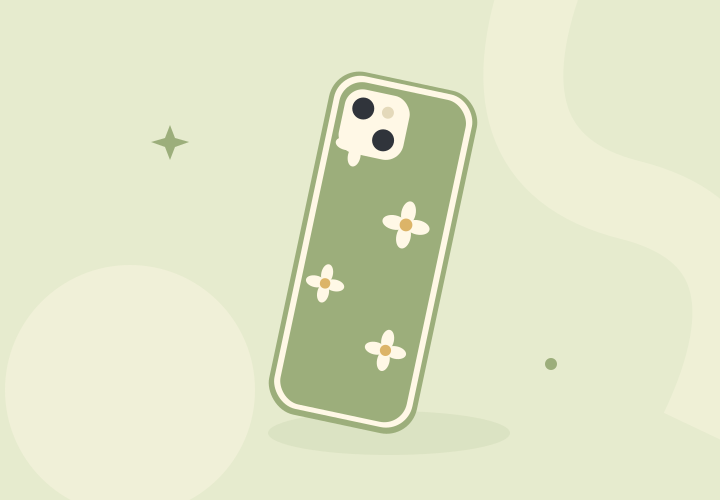
Sage garden
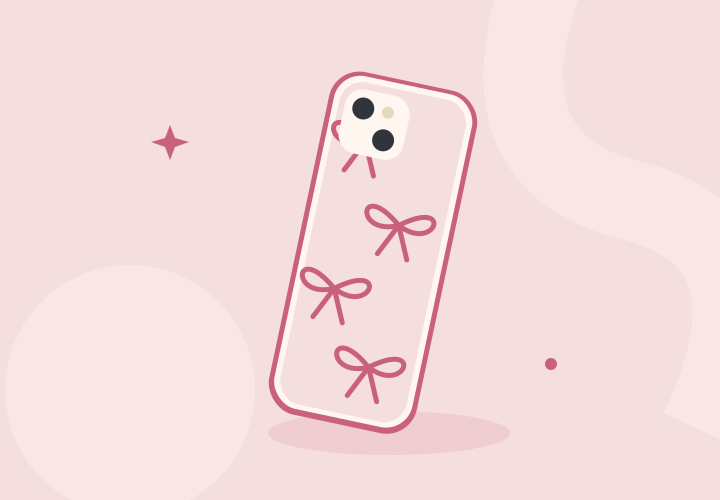
Rose ribbon
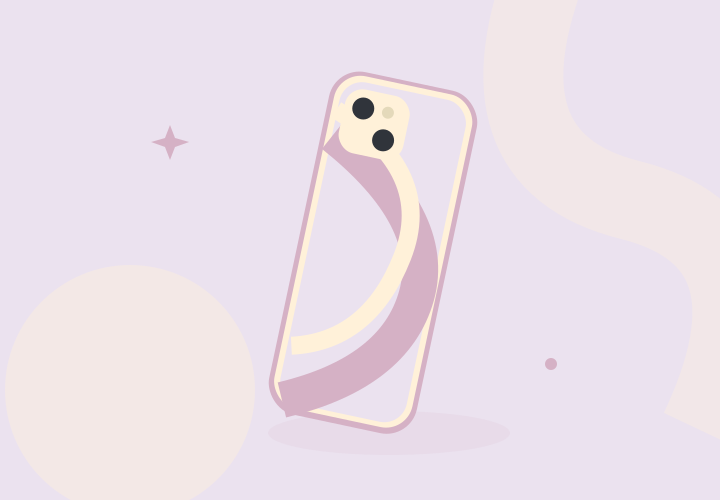
Pastel waves
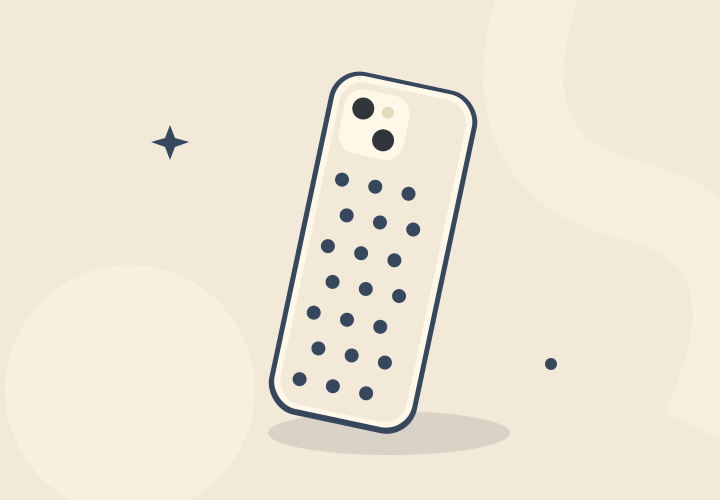
Cream and navy dots
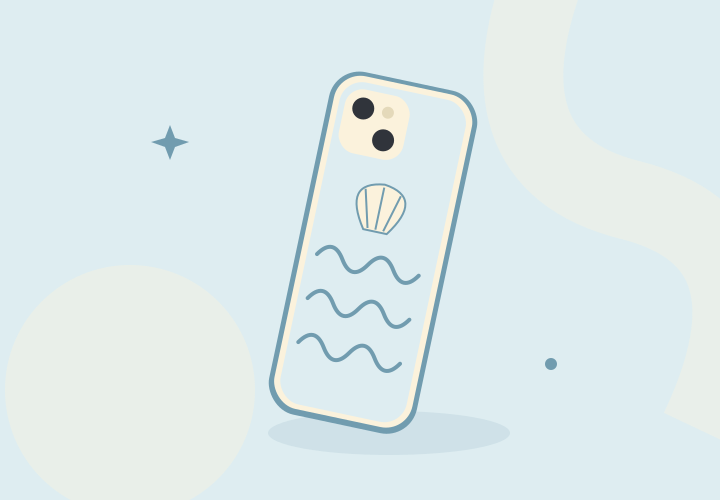
Blue shoreline
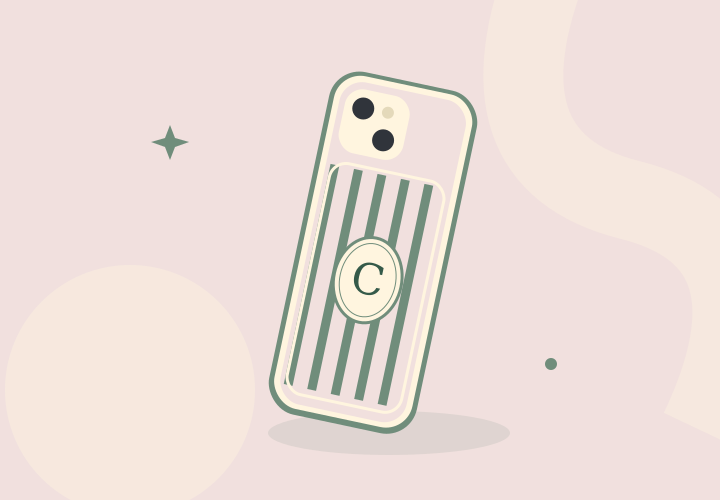
Pink and green stripes
Compare pictures on the same terms
Start with the full back view at approximately phone size. Compare motif size, background color, and empty space before looking at styled photos with bags or jewelry. A close crop can make a tiny print seem much bolder than it will look in your hand.
For a product you might buy, find images of the exact phone version. A different camera opening can interrupt a bow, cover a flower, or change a stripe layout. Check side and corner views too; a back-view illustration cannot show the actual edge height or material.
Build a shortlist around two or three colors
Pick a background, a main pattern color, and an optional accent. For example, use cream with sage flowers and yellow centers, or blush with rose bows. Choose one detail from an accessory you already carry to keep the palette connected to your everyday style.
Keep three favorites and write down what makes each work: loose spacing, tiny dots, a pale border, or one large motif. Those notes help you compare a new design without needing an exact copy of the first image you saved.
Organize Pinterest inspiration with source links
Pinterest lets you save Pins to a board and organize a board into sections. Use a theme such as “phone case ideas,” then separate palettes from patterns if your collection grows. Pinterest’s help pages explain the current saving controls for your device.
Keep the original creator or retailer link with each idea and open that source when you want product details. Use a saved image to describe a preference, such as cream-and-blue dots, rather than asking someone to reproduce another artist’s artwork. A Pin alone does not establish current stock, phone compatibility, or US delivery.
- Pinterest: save Pins to a board
Official instructions for saving an existing Pin to a chosen board.
- Pinterest: Pins, boards, and sections
Official overview of collecting ideas and organizing them into board sections.
Turn a favorite look into an exact-fit choice
Write down your full phone model before searching for a case. Add the palette and motif to that model, then compare the available designs. For a custom order, request a preview with your camera opening and confirm where any name or initials will sit.
Before ordering, verify the material, button coverage, charging-accessory compatibility, total price, and delivery terms on the seller’s page. Keep those requirements alongside your favorite image so the finished choice works as well as it looks.
Questions you might have
Are these pictures photos of cases I can buy?
They are original style illustrations created for this guide. Use them to compare visual ideas, then check a seller’s actual product images and specifications for your phone model.
How do I use Pinterest without losing the original source?
Save the Pin to a relevant board and check the linked creator or retailer page. Keep that source in your shortlist so you can revisit the artwork, product details, and current availability.
Sources & further reading
We explain what to look for and how to make a more informed choice. Actual fit, materials, protection, and compatibility depend on the exact product. Read our editorial standards.